 By Legal Radar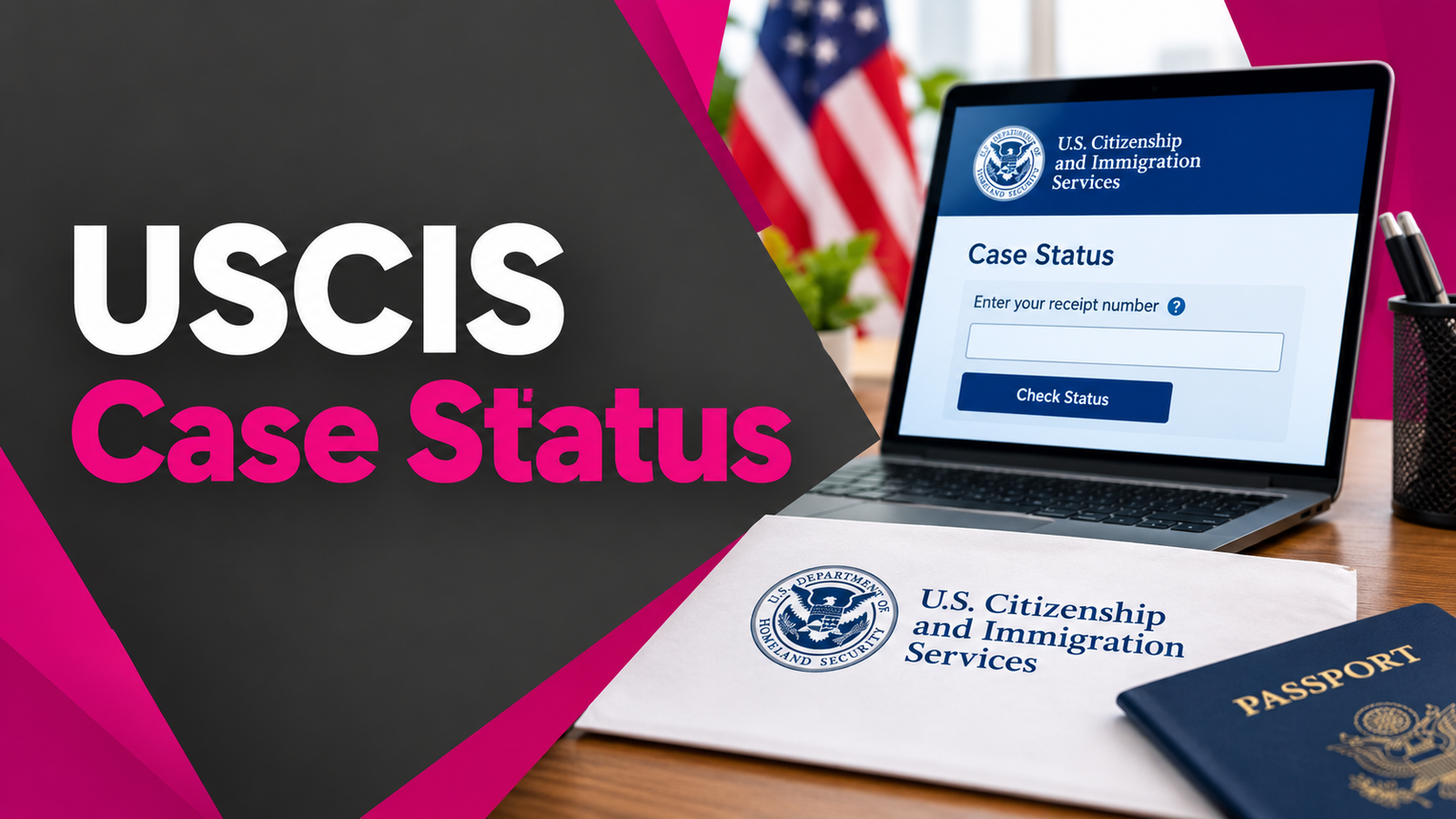
Waiting for a USCIS decision can feel endless. You file the paperwork, pay the fees, and then the days stretch into weeks or months with little feedback. Many foreign nationals, F-1 students applying for OPT or STEM OPT, green card applicants, and family sponsors refresh the same page over and over, wondering if anything has moved.
This guide walks you through every reliable way to track your USCIS case status. You will learn how to use the official online tools, decode your receipt number, set up alerts so you do not have to check constantly, understand common status messages, and know when (and how) to inquire about delays. The goal is practical clarity during a stressful process.
Understanding Your USCIS Receipt Number
Everything starts with the USCIS receipt number. Without it, you cannot check status online.
USCIS assigns a unique 13-character receipt number when it accepts your application or petition. You find it on the Notice of Action Form I-797 (usually the I-797C receipt notice) that arrives by mail after filing. It appears near the top of the notice.
The format is three letters followed by ten digits. Examples include IOE1234567890 or MSC2290012345. When you enter it online, omit any dashes. Include other characters such as asterisks if they appear on your notice.
The three-letter prefix shows where the case was initially received or processed:
- IOE: Electronic filings or cases processed through the USCIS electronic system (ELIS). Common for online submissions.
- LIN or NSC: Nebraska Service Center.
- SRC or TSC: Texas Service Center.
- EAC or VSC: Vermont Service Center.
- WAC or CSC: California Service Center.
- MSC or NBC: National Benefits Center.
- YSC or PSC: Potomac Service Center.
The prefix reflects intake location. USCIS sometimes transfers cases later for workload balancing, so the final adjudicating office may differ. The remaining digits encode fiscal year, workday, and a sequential case identifier, though most applicants only need the full number for tracking.
Keep the original I-797 notice safe. You will need the receipt number for status checks, inquiries, address changes, and future correspondence. If you filed multiple forms (for example, I-130 and I-485 together), each receives its own receipt number. Track them separately.
How to Check Your Case Status on egov.uscis.gov
The fastest official method is the public Case Status Online tool. No account is required.
- Go to the official page: egov.uscis.gov/casestatus or uscis.gov/casestatus. Always use a .gov address.
- Enter your full 13-character receipt number. Do not include dashes or spaces.
- Click “Check Status.”
- Review the result. The page shows the most recent action taken on your case and the date of that action. It may also list next steps if any apply.
The system displays the same information available to USCIS Contact Center staff. You can check additional receipt numbers from the same page.
Save a screenshot or copy the text with the date you checked. Status messages can update without notice, and having a record helps if questions arise later.
If the system returns “invalid receipt number,” double-check for common typing errors: the letter O versus the number 0, the letter I versus the number 1, or extra spaces. Confirm you are using the exact number from the I-797 notice.
This public tool shows only the latest status. For history, multiple cases, and automatic alerts, create a myUSCIS account.
Setting Up a myUSCIS Online Account
A free myUSCIS account (at my.uscis.gov or myaccount.uscis.gov) gives you more control and convenience.
Create the account with your email address, set a strong password, and enable two-factor authentication. Once logged in, you can add cases.
Online-filed cases usually appear automatically. For paper-filed cases, use the “Add a paper-filed case” option and enter the receipt number. Some IOE cases include an Online Access Code mailed by USCIS; use that code if provided.
With an account you can:
- View current status and recent case history (often the last several actions).
- Sign up for email and text alerts when the status changes.
- Upload evidence or respond to certain Requests for Evidence (RFEs) electronically, depending on the form.
- Download notices and correspondence.
- Update your address.
- Send secure messages in some situations.
- See personalized progress estimates on supported forms (these are estimates only, not guarantees).
Alerts arrive after USCIS posts an update. They are not instantaneous in every case, but they eliminate the need for constant manual checking. Turn them on in account settings.
Many applicants find the account especially useful when managing several related cases, such as a principal applicant’s I-485 alongside derivative applications or concurrent I-765 work authorization requests.
Interpreting Common Status Messages
Status language can feel vague. Here is what the most frequent messages usually mean in practice.
Case Was Received: USCIS has accepted the filing, assigned the receipt number, and cashed the fee (or confirmed payment). This is the starting point. No action needed beyond keeping your address current.
Fingerprint Review Completed or Biometrics Appointment Was Scheduled / Completed: Fingerprints and background checks have moved forward. For many forms this is a positive milestone.
Case Is Being Actively Reviewed: An officer is examining the file. This can last days or weeks depending on complexity and workload.
Request for Evidence Was Sent or RFE: USCIS needs additional documents or clarification. Read the RFE carefully. The deadline is printed on the notice (officers may set periods up to the regulatory maximum of 12 weeks; extensions are generally not available). Respond completely and on time. Partial or late responses risk denial. After USCIS receives your response, the status typically updates, and many cases reach a decision within weeks.
Case Was Approved: Congratulations. An approval notice follows by mail, and for certain benefits (such as employment authorization) a card may be produced and mailed.
Card Was Produced / Card Was Mailed / Card Was Delivered: The physical document (EAD, green card, etc.) has been manufactured and sent. Track delivery if a tracking number appears.
Other messages may note transfers between offices, interview scheduling, or additional review. Always read the full text on the status page rather than relying only on the short title.
If a message is unclear, check the processing times tool or contact the USCIS Contact Center after confirming the case is outside normal processing time.
Checking Official Processing Times
Published processing times give realistic expectations. Visit uscis.gov/processingtimes.
Select the form, the specific category or classification, and the office handling the case (or Service Center Operations when listed that way). The tool shows how long it took USCIS to complete 80 percent of similar cases in a recent period. It also indicates when you may submit a case inquiry if your receipt date is older than the published window.
These figures are historical and change. Individual cases vary based on completeness of the filing, background checks, RFEs, security reviews, and office workload. An RFE commonly adds weeks or months. Cases involving complex eligibility or high volumes (certain family or employment categories) often take longer than simpler benefit requests.
For F-1 students, OPT and STEM OPT (I-765 category (c)(3)) processing times have fluctuated. Many university international student offices advise students to file early and monitor both the USCIS tool and their own receipt date.
What to Do When Your Case Takes Longer Than Expected
First, confirm the published processing time for your exact form, category, and office. Enter your receipt date into the tool to see whether an inquiry is yet allowed.
If the case is outside normal processing time:
- Submit an online service request (e-Request) through the USCIS tools page or egov.uscis.gov/e-request. Provide the receipt number, form type, and a clear description of the issue.
- Call the USCIS Contact Center at 1-800-375-5283 (TTY 1-800-767-1833) from within the United States. Outside the U.S., use 212-620-3418 or contact an international field office. Have your receipt number ready. Live assistance is available during published hours; automated options exist around the clock for basic status.
- Contact your congressional representative’s office. Caseworkers can submit a congressional inquiry on your behalf at no cost. This sometimes prompts a status review.
- In limited circumstances (severe financial loss, humanitarian reasons, USCIS error, or clear U.S. government interest), request expedited processing. Approval is discretionary and requires strong supporting evidence.
Keep records of every inquiry, including confirmation numbers and dates. Update your address promptly if you move; undelivered notices can cause further delay.
Do not assume silence means denial. Many cases remain pending while background checks or internal reviews continue.
Special Notes for International Students and University Portals
F-1 students applying for Optional Practical Training (OPT) or STEM OPT extensions work closely with their school’s Designated School Official (DSO) and international student services office.
After the DSO recommends OPT in SEVIS and issues the updated I-20, you file Form I-765 with USCIS. Once accepted, you receive a receipt number and can track status exactly as described above. Many schools (including large public universities) publish step-by-step checklists that link directly to the USCIS Case Status Online tool and processing times page. They also advise students on what to do if an RFE arrives and how pending OPT interacts with the 60-day grace period.
Your university portal or advising system will not replace the official USCIS status. It may show internal notes or reminders, but the authoritative source remains egov.uscis.gov or your myUSCIS account. Keep your DSO informed of major status changes, especially approvals or RFEs, because SEVIS reporting obligations continue.
Premium processing is available for certain OPT categories via Form I-907 for an additional fee. It aims for a decision within 30 business days once accepted.
Setting Up Email and Text Alerts
Two official options reduce the need to check daily.
For paper filings at a USCIS Lockbox, attach Form G-1145 (E-Notification of Application/Petition Acceptance) to the front of your package. It is free and optional. Within roughly 24 hours of acceptance, USCIS sends an email and/or text containing the receipt number so you can begin tracking. The message does not include personal details for security reasons. G-1145 works only for eligible forms filed at the Lockbox locations.
For ongoing updates after the case is in the system, rely on a myUSCIS account. Enable email and text notifications in settings. Alerts fire when USCIS posts a new status. This is the most reliable free official method for continuous monitoring.
Third-party paid alert services exist, but the free official tools provide the same underlying data, often faster, without extra cost or privacy concerns.
Community and Open-Source Tracking Tools
Some applicants explore GitHub-hosted scripts and dashboards that periodically query the public USCIS status endpoint or visualize neighboring receipt numbers. Examples include self-hosted trackers that send push notifications or tools that group cases by receipt range to show approval trends.
These can be useful for technical users who want automated checks or statistical context. However, they are unofficial. USCIS does not endorse them. Relying on them exclusively risks missing official notices or violating site terms if the tools make excessive requests. Always treat the official Case Status Online page and myUSCIS account as the primary sources. Use open-source tools only as a secondary convenience, and review their code and privacy practices carefully.
Common Pitfalls to Avoid
- Checking too early: Status appears only after USCIS issues the receipt notice.
- Using unofficial websites that request personal data or charge for basic status checks.
- Ignoring RFEs or missing response deadlines.
- Failing to update your address with both USCIS and the Postal Service.
- Confusing the receipt number with your A-Number or other identifiers.
- Assuming the published processing time is a hard deadline for your individual case.
Conclusion
Tracking your USCIS case status does not have to add extra stress to an already demanding process. Use the official Case Status Online tool with your receipt number, set up a myUSCIS account for alerts and history, monitor published processing times, and respond promptly to any RFEs. International students should stay in close contact with their university’s international student services office while relying on the same official portals.
Keep records, update your address, and inquire only when the tools indicate it is appropriate. Most applicants eventually receive a clear outcome. Stay patient, stay organized, and use the free official systems designed to keep you informed. If your situation involves complex eligibility questions or prolonged delays, speaking with a qualified immigration attorney can provide tailored next steps.
Frequently Asked Questions
How soon after filing can I check my USCIS case status?
You can check once you receive the receipt number on the I-797 notice, typically within a few weeks of USCIS accepting the package. Online filings often generate the number faster.
Do I need a myUSCIS account to check status?
No. The public Case Status Online tool works with only the receipt number. The account adds history, alerts, and extra features.
What if my status has not changed for months?
Compare your receipt date against the current processing times tool. If the case is outside normal time, submit an e-Request. Continue monitoring for RFEs or other notices.
Can my attorney or university check for me?
An attorney with a G-28 notice of appearance can access case information. University DSOs can advise but generally cannot pull the official status for you; you or your attorney must check.
Is premium processing available for every form?
No. It is limited to specific forms and categories. Check current eligibility and fees on the USCIS website before filing Form I-907.
What happens if I move while my case is pending?
File a change of address online or by mail as soon as possible so notices reach you. Failure to receive an RFE or appointment notice can lead to denial for abandonment.
Where can I find help if I do not understand a status message?
Start with the USCIS Contact Center or the Emma virtual assistant on uscis.gov. For complex situations, consult a licensed immigration attorney or accredited representative.
You May Also Like: IRS Fresh Start Program: Who Qualifies and How to Apply